On-premises
Install Cadrix on your own Linux or Windows servers, behind your network, proxy and TLS.
- Your database and file storage
- Your network and access rules
- Updates on your schedule
Deploy on-premises or in a private cloud, activate with a licence file, and give your organization single sign-on, access history and support backed by an SLA.
On-premises or private cloudOffline licenceSSO
Cadrix Cloud is the fastest start. When data or policy requires it, Enterprise runs inside your own environment.
Install Cadrix on your own Linux or Windows servers, behind your network, proxy and TLS.
Run in a cloud account you control, so data stays in the environment your organization manages.
Enterprise is activated with a signed licence file. Cadrix verifies it on the server itself, so a closed environment does not need to contact a licence service.
Single sign-on and access history are Enterprise features. Roles, tracing and quotas build on the same governed workspace.
Let people sign in with your identity provider. Supported providers in the product today: Microsoft Azure, Google, Auth0 and GitHub.
A record of sign-ins, sign-outs and failed attempts, with the reason for each failure.
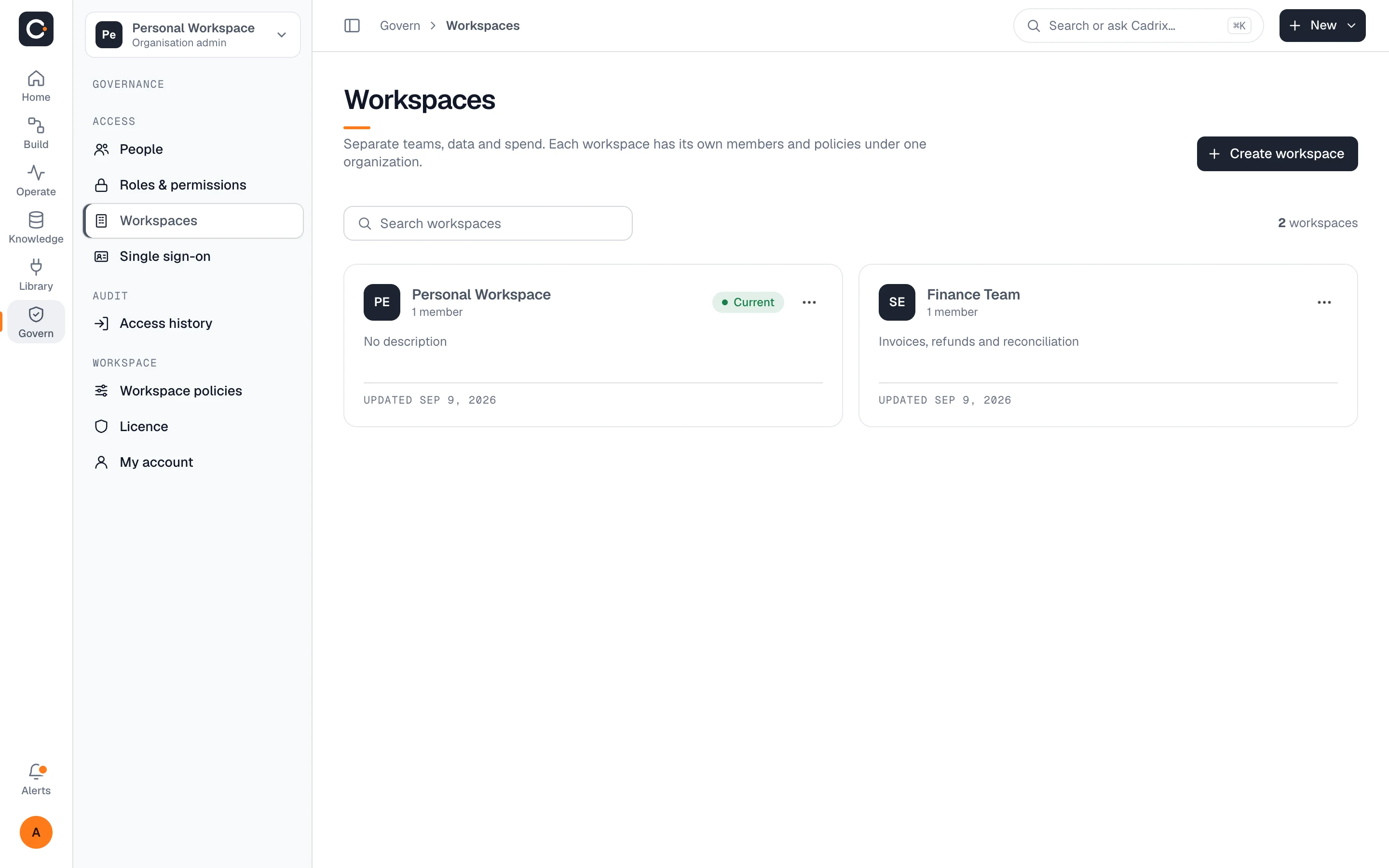
Custom roles with a permission matrix, and separate workspaces for each team under one organization.
See governanceEvery run records each step's input and output, so you can review what happened and re-run with changes.
Usage dashboard with tokens and spend, and no fixed caps on members, workflows, runs or storage in the Enterprise plan.
Enterprise support is backed by an SLA. The terms are agreed with you when you sign.
We would rather state a few things we can stand behind than a long list we cannot. If your review needs more, ask us and we will answer in writing.
The licence is verified locally, so it does not need to reach a licence service. Workflows still need to reach the model provider and integrations they use, so in a closed network you would point them at an internal model endpoint.
Cadrix is deployed on Linux and Windows servers. During scoping we go through the database, storage, proxy and network requirements for your environment.
The product currently offers Microsoft Azure, Google, Auth0 and GitHub. If you need another identity provider, tell us and we will confirm what is possible.
This site does not make compliance claims. If your organization needs a security review or questionnaire answered, contact us with your requirements.
Enterprise support is backed by an SLA. Response targets and hours are agreed with you as part of the contract.
Pricing is custom and depends on your deployment. Contact sales and we will come back with a proposal. Cloud plans are listed on the pricing page.
Tell us about your environment and requirements. Or start on the free cloud plan and see the product first.