The agent gets a question
A message, an email or an API call starts the workflow and reaches the agent.
Build virtual databases from your documents and sources, and let agents retrieve from them. Answers come from what you own, and you can see exactly how it was prepared.
No credit cardBring your own model key
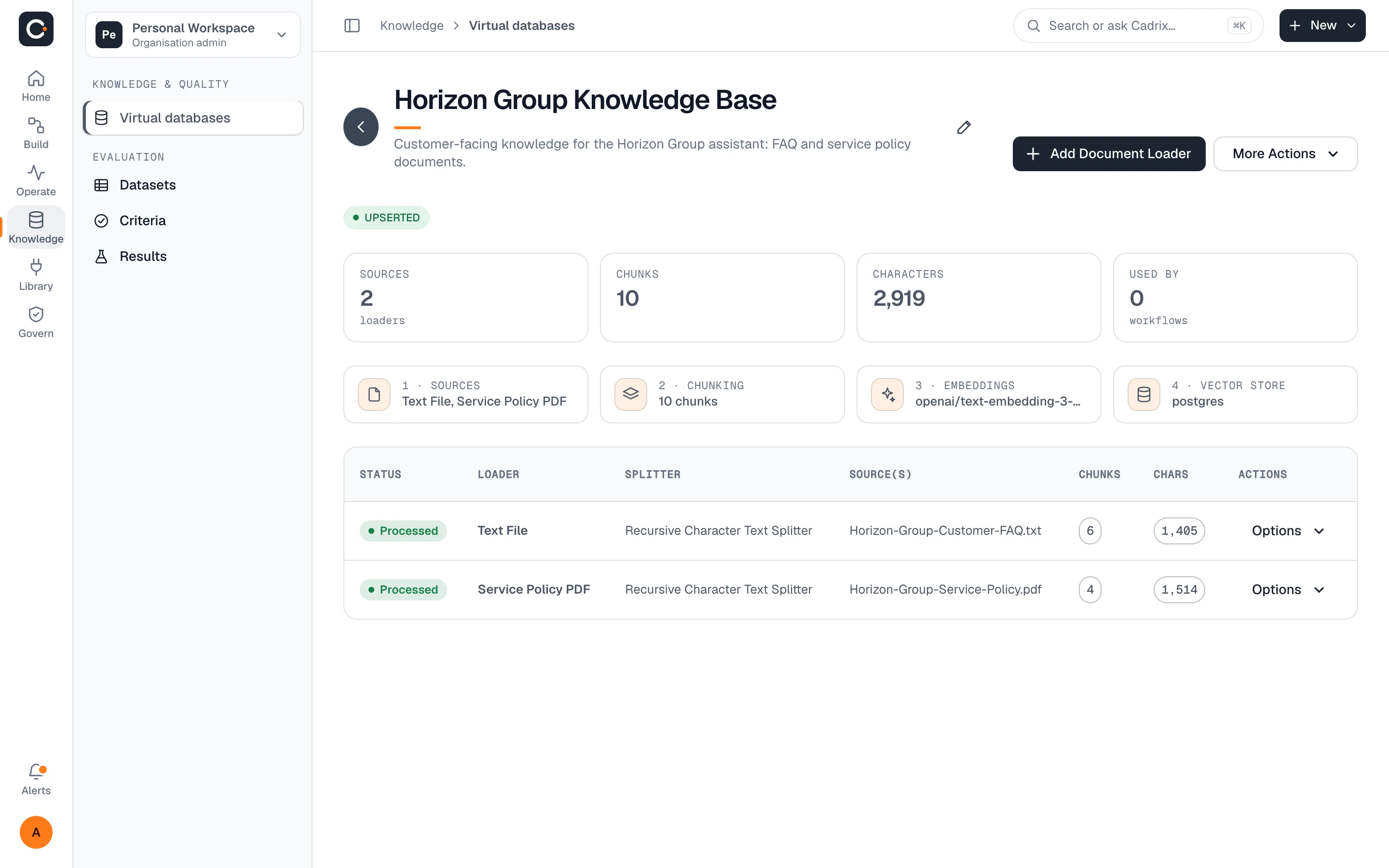
A virtual database is a named knowledge base: a set of sources, split into chunks, embedded and stored in a vector store. Workflows point at it instead of at loose files.
Every knowledge base follows the same four stages, shown on its page so nothing about preparation is a black box.
Attach a knowledge base to an agent in a workflow. Retrieval (RAG) runs as part of the workflow, and the run trace shows what the agent was given.
A message, an email or an API call starts the workflow and reaches the agent.
The agent searches the knowledge base you attached and pulls the most relevant chunks.
The answer is grounded in what you own, and every step is recorded in the run.
Preparing knowledge should not be guesswork. Cadrix gives you the tools to inspect each step.
See how a loader and splitter cut your content before anything is embedded.
Review past upserts and their details, so you know what is in the store and when it changed.
Run a query against the vector store and read back the chunks it returns.
Cadrix includes document loaders for common files such as PDF, Word, Excel, PowerPoint, CSV and plain text, plus web pages and several business apps. Check the loader list in the app for the current set.
Yes. Cadrix is bring-your-own-model-key: you connect your embedding provider as a connection and it bills you directly. You also choose where vectors are stored.
Knowledge lives in your workspace and access follows its roles and permissions. See governance for how roles work.
Each knowledge base shows how many workflows use it, so you can see the impact before changing it.
Yes. Open the run trace to see the inputs and outputs of each step, including the retrieval.
Create a knowledge base on the free plan and connect it to a workflow in minutes.