Pick an integration
Search the catalog or add a custom tool or MCP server.
Browse the catalog, connect an account once, and drop it into any workflow. When something is missing, write a custom tool or bring any MCP server.
No credit cardBring your own model key
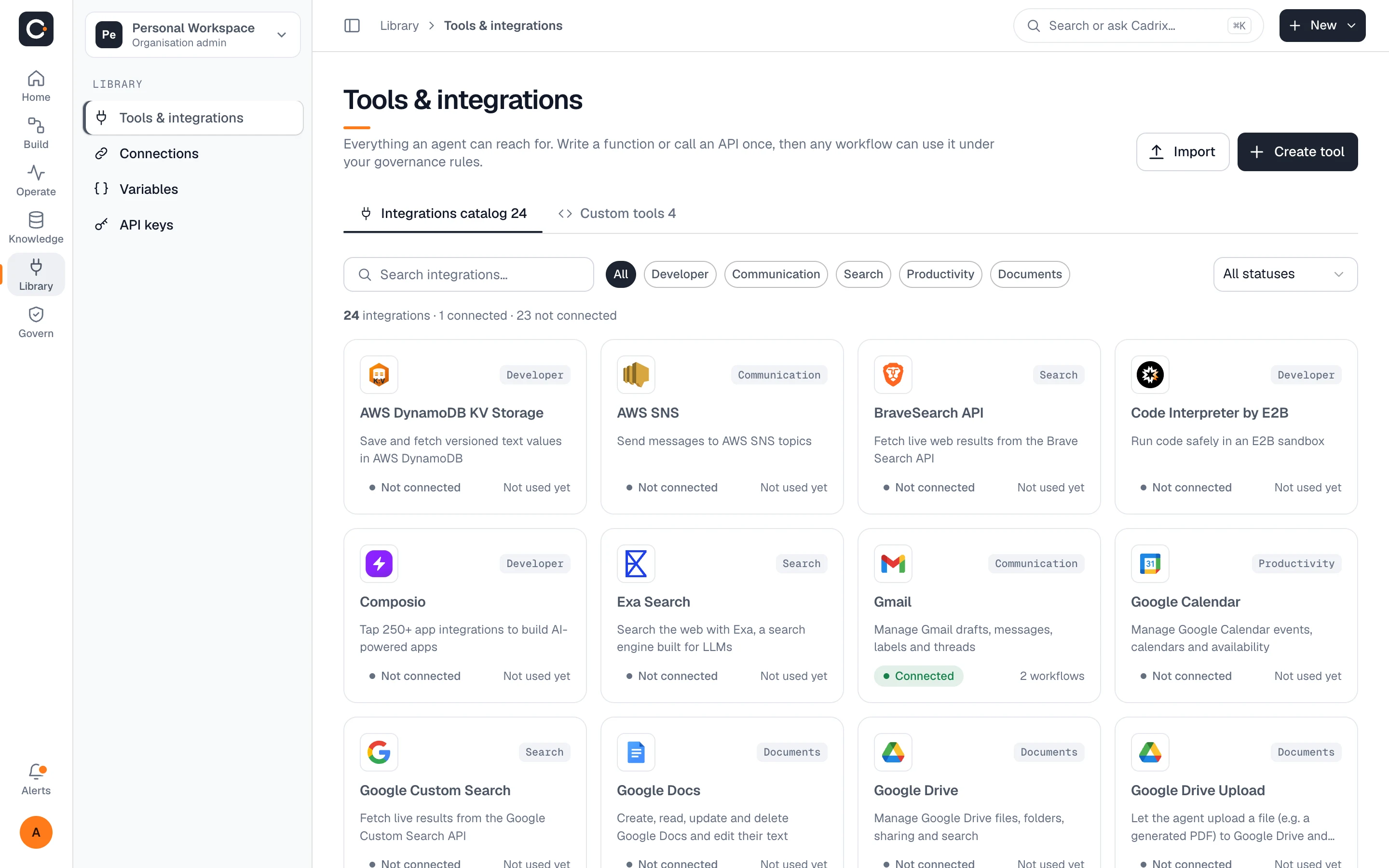
A selection from the catalog. Logos are shown to identify the services Cadrix connects to.
 Gmail
 Google Drive
 Google Docs
 Google Sheets
 Google Slides
 Google Calendar
 Outlook
 Microsoft Teams
 WhatsApp
 Jira
 Stripe
 AWS
 Brave Search
 Tavily
 Composio
The Tools & integrations library lists every integration with its category and whether it is connected, so builders can see what is available and what is already in use.
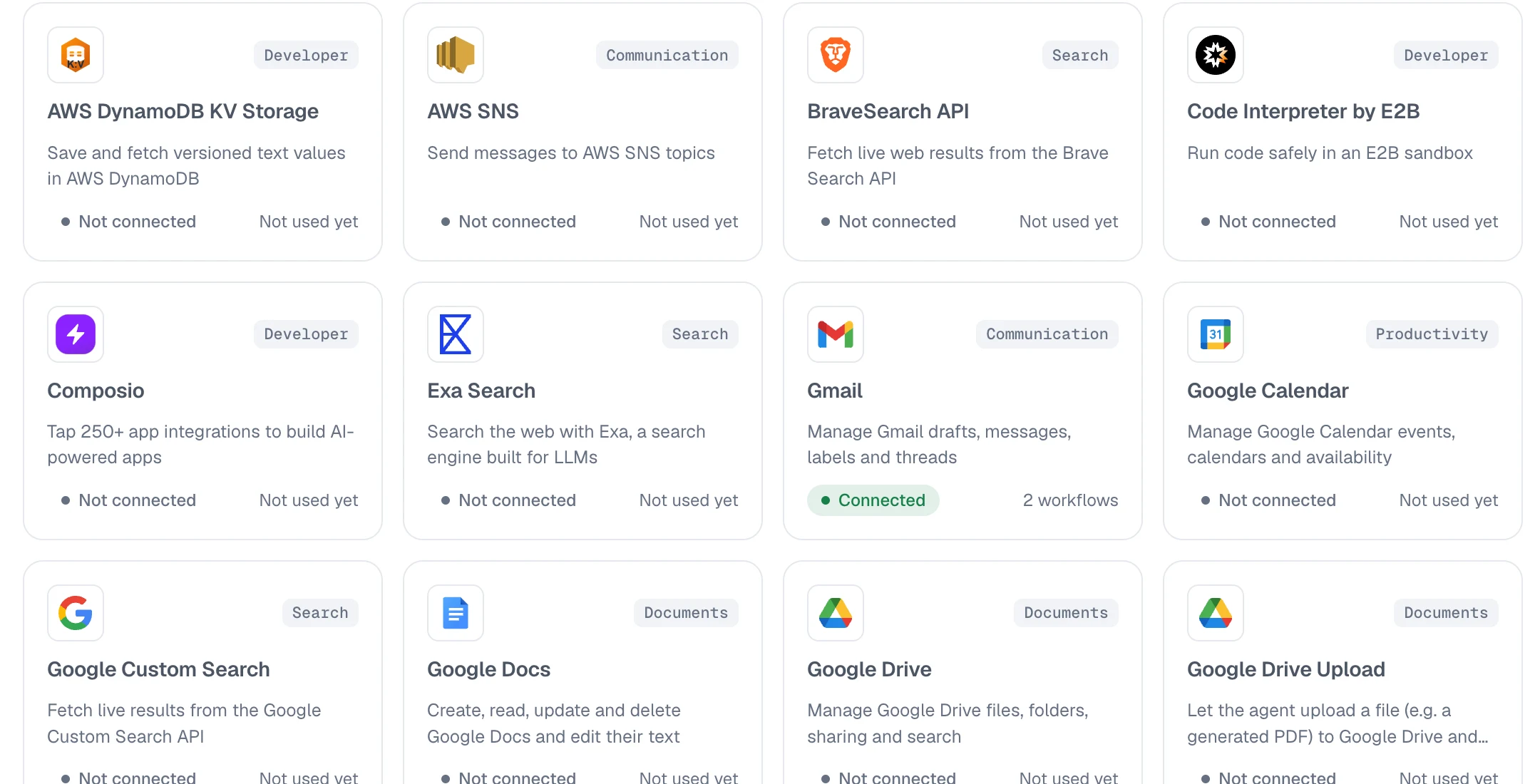
Credentials your workflows use to reach models, mailboxes and systems are stored as connections. Secrets are encrypted at rest and never shown to builders or the model.
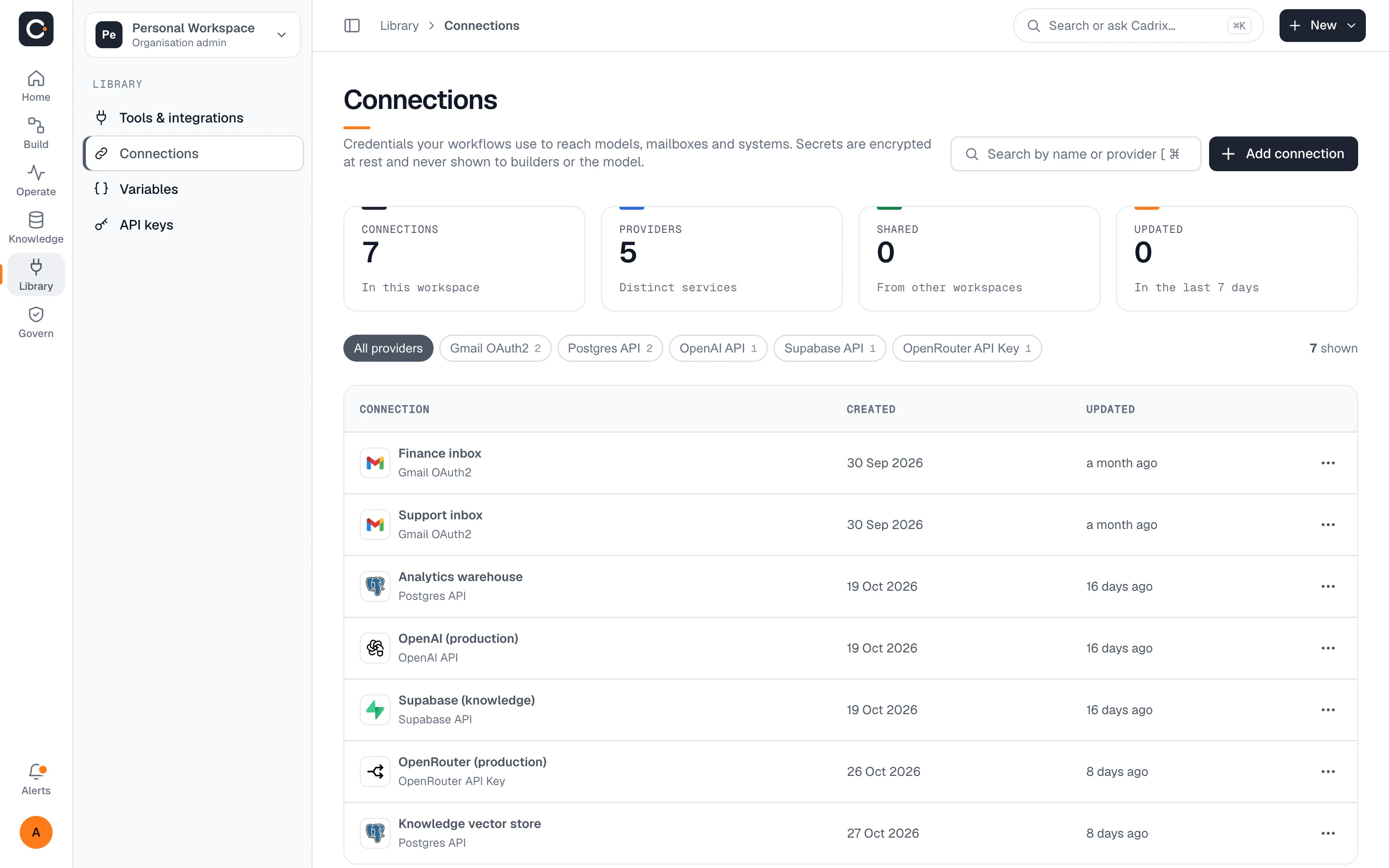
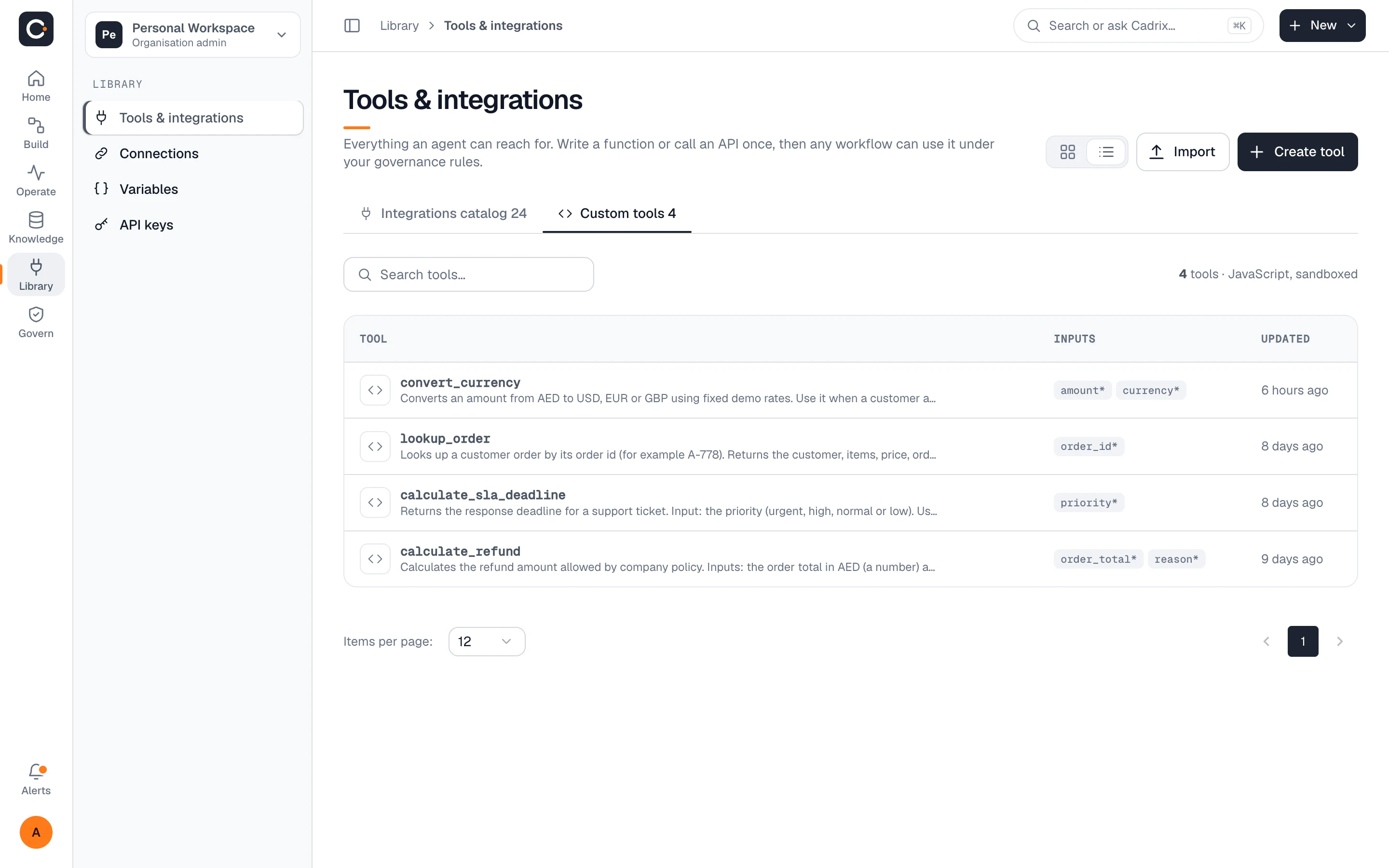
If the catalog does not have it, add it. Custom tools and MCP servers appear in the library and are used in workflows like any built-in integration.
No glue code and no secrets in prompts.
Search the catalog or add a custom tool or MCP server.
Add the credentials once as an encrypted connection. Scope it to the workspace that needs it.
Drop it on the canvas for an agent to use. Every call shows up in the run trace.
The catalog lists 24+ integrations today, and you can add custom JavaScript tools and any MCP server on top.
Any model works through your own key. You add your provider as a connection, and the provider bills you directly for model usage.
As connections in your workspace, encrypted at rest and never shown to builders or the model.
Access follows workspace roles and permissions. See governance for details.
Write a custom tool in JavaScript, or connect an MCP server. You can also tell us what you need.
Start free, add your first connection, and watch the run trace show every call.