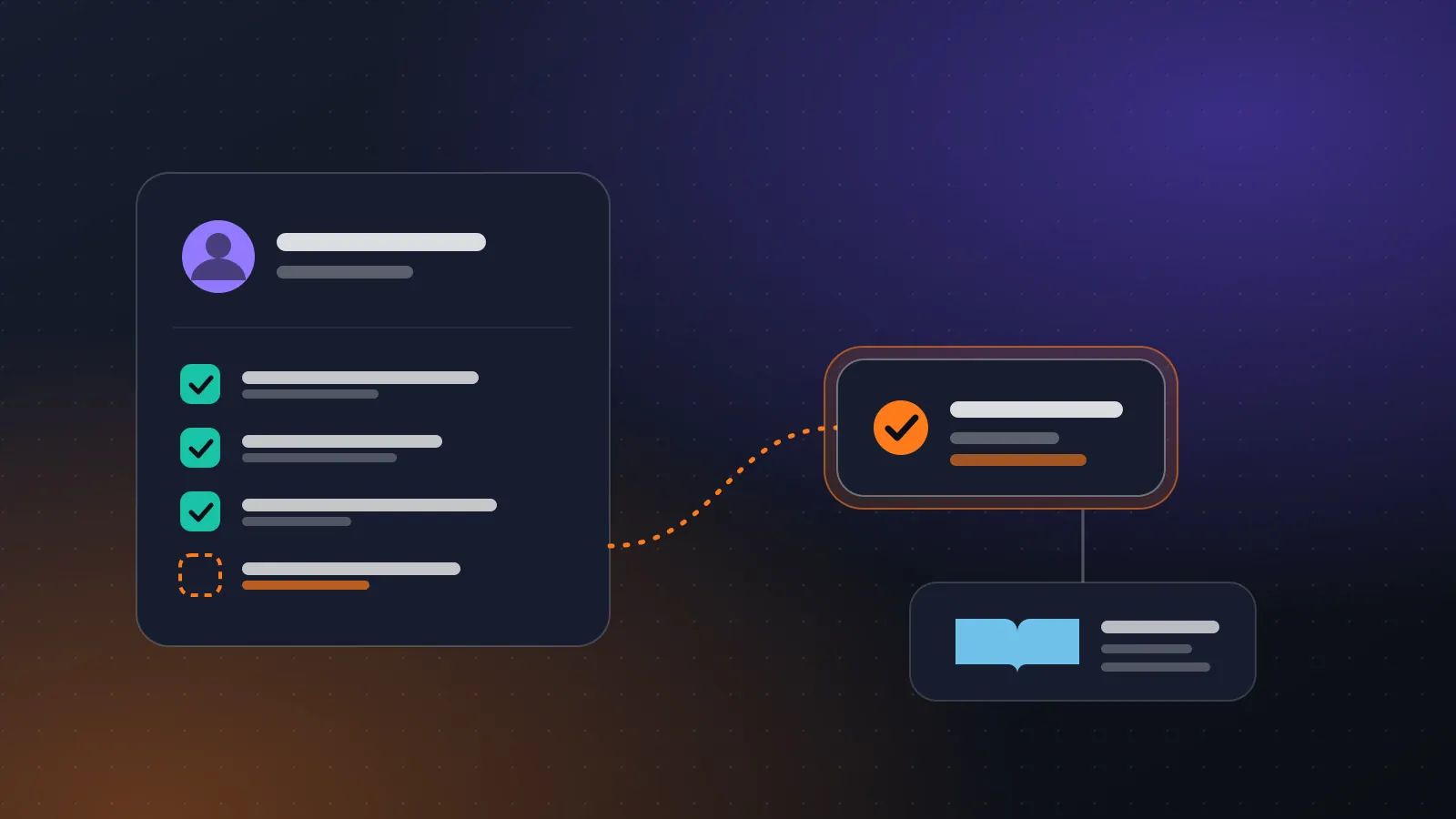
New-hire onboarding has a useful shape for automation. The steps are the same every time, the questions repeat, the deadlines are real, and a handful of decisions, such as who gets access to what, must stay with people.
This post walks through one design. It uses only generic building blocks: a start step, a knowledge base, agents, conditions, approvals and email. Swap in your own systems.
What to automate, and what not to#
Good candidates:
- Sending the welcome pack and the checklist of documents to bring or upload.
- Answering the same twenty policy questions, such as leave, expenses, working hours and IT set-up.
- Creating tasks for IT, facilities and the manager with the right start date.
- Chasing missing documents.
Keep with people:
- Offer terms, pay and contract changes.
- Access beyond the standard bundle for the role.
- Anything where a mistake affects someone's pay or employment.
- Judgement about a person.
One boundary deserves a flag. Do not let an agent rank or screen candidates, or influence decisions on promotion or termination. The EU AI Act lists systems used in employment for screening applications, ranking candidates and influencing promotion or termination among its high-risk examples in Annex III. Onboarding someone who has already been hired is a different thing, but it is worth keeping the line clear in the design and to ask your own advisers if you are unsure.
The design#
Trigger. HR marks a hire as confirmed. This can be a form submission, a new row in a sheet or a web request from your HR system. The start step receives the name, role, manager, start date and work email.
Step 1: Create the checklist. A step builds the personalised list: documents needed, systems to set up, the people to meet. A Condition picks the bundle by role or location, so a field engineer and an accountant get different lists.
Step 2: Welcome message. An agent drafts the welcome email from a fixed template with the personal details filled in. Because this is a message leaving the company, the first few weeks of runs should go through a Human Input step where HR approves it. Once the template has run cleanly many times, you can drop the approval for the standard version and keep it for exceptions.
Step 3: Document collection. The new hire uploads documents through your usual route. A step checks which are missing and sends a reminder on a schedule. If you extract data from scanned documents, put a validation step after the extraction and a person on any value the agent is unsure about. Personal documents are the place for the strictest data rules.
Step 4: Access requests. For each system in the bundle, create a request. Standard bundle items proceed automatically. Anything beyond the bundle goes to the manager through a Human Input step that shows who is asking, what for, why the role needs it and the effect of saying no. The manager approves or rejects with a comment.
Step 5: IT and facilities tasks. Approved items create tasks, using the tools you have connected, such as a Jira issue or a Google Sheet row. If the target system has no connector, a web request or an MCP server can reach it.
Step 6: The Q&A assistant. Give the new hire a way to ask questions. An agent with a knowledge base answers from your actual policy documents, and when it cannot find an answer it says so and routes the question to HR instead of guessing.
Step 7: First-week check. A scheduled step sends the manager a checklist on day three and day five, and flags anything still open to HR.
Building the knowledge base well#
The Q&A assistant is only as good as the documents behind it. A few practical points:
- Use the current version of each policy, and remove old ones. A stale leave policy is a confident wrong answer.
- Preview the chunks before you embed. If a table of leave entitlements is cut in half, retrieval will be wrong.
- Test with real questions from last year's new hires. Query the store and read what comes back before attaching it to an agent.
- Tell the agent to cite the policy name in each answer, and to say when it does not know.
- Decide who owns each document and when it is reviewed.
For anything that depends on the person, such as a particular contract term or a local entitlement, the agent should hand off to HR rather than interpret.
Privacy and data#
Onboarding handles personal data. Two principles from the GDPR are a useful discipline even if you are outside its scope: collect only what is necessary for the purpose, and keep identifiable data no longer than necessary. In practice:
- Do not copy identity documents into a knowledge base or into agent memory.
- Limit who can open the run history for this workflow, since it will contain personal details. Workspace roles control that.
- Decide how long run records are kept, and who may delete them.
- Keep the new hire's personal data out of prompts when a step does not need it.
This is a design checklist, not legal advice. Employment and data-protection rules differ by country, and HR or legal should review the workflow before it goes live.
Testing it#
Create a few test hires: a standard case, a role with extra access, someone with a very long name, someone with an Arabic name, and someone with a missing document. Run each and read the trace. Check what each email says, who was asked to approve, and what happened on a rejection. Make sure a rejected access request tells the new hire and the manager what happens next.
Where the human goes. HR approves the welcome message while it is new, and any exception to the standard bundle. The manager approves access beyond the bundle. A named HR person owns the knowledge base and answers anything the assistant escalates. Nobody should discover a decision about their access from a silent system.
Measuring success#
Pick three numbers and read them monthly: time from confirmed hire to day-one readiness, number of questions escalated to HR, and number of access requests rejected. Rejections are useful information, because they show where the standard bundle is wrong.
Sources#
- EU AI Act, Annex III (high-risk systems, including employment): https://artificialintelligenceact.eu/annex/3/
- GDPR Article 5, principles relating to processing of personal data: https://gdpr-info.eu/art-5-gdpr/